Best apps to find recipes from ingredients you have (2026)
See how Ingrediently compares to other recipe apps in 2026.

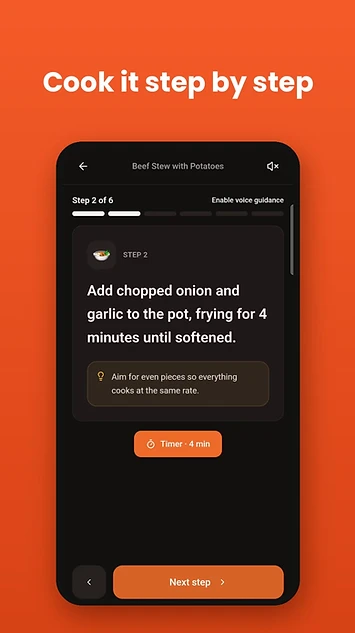
Cook step by step
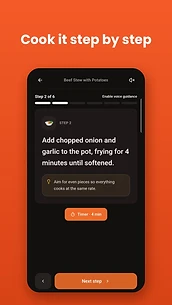
Ingrediently walks you through each step with built-in timers and a screen that stays awake. No more unlocking your phone with messy hands. Just the next step and a timer when you need one.
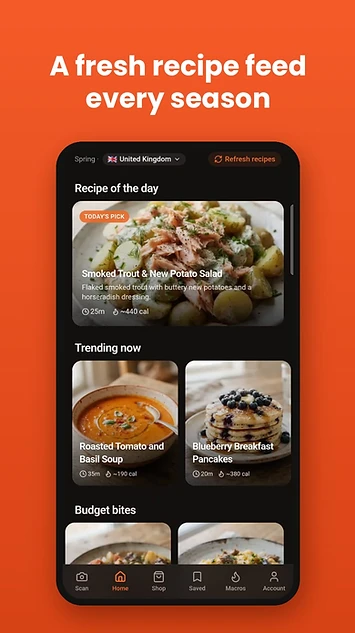

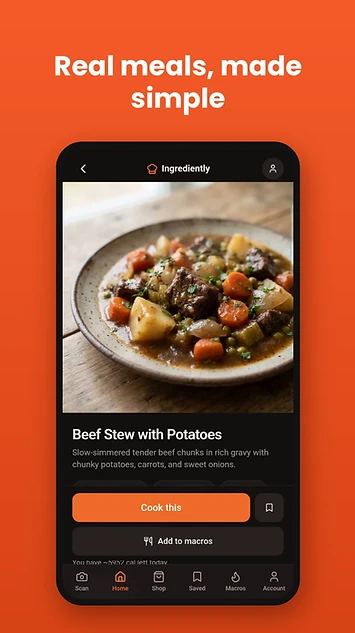
A feed that updates daily
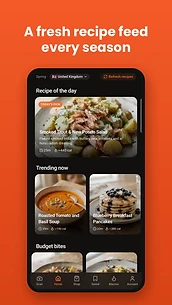
The home feed shows recipe of the day, trending meals, and budget picks. It refreshes with new ideas so you always have something to try. Filter by season, country, or what you have.
How the best recipe apps compare
| Feature | Ingrediently | SuperCook | BigOven | Allrecipes |
|---|---|---|---|---|
| Photo ingredient scan | – | – | – | |
| Recipes use ONLY your ingredients | – | – | ||
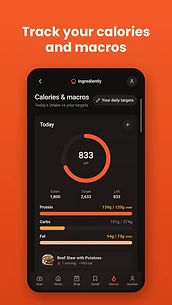
| Built-in calorie & macro tracker | – | – | – | |
| UK supermarket pricing | – | – | – | |
| Budget meal planner | – | – | – | |
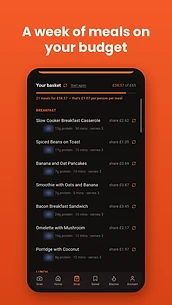
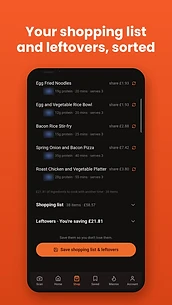
| Weekly meal plan + shopping list | – | – | ||
| Step-by-step cooking mode | – | – | – | |
| Works in the UK (GBP, UK ingredients) | – | – | – | |
| Available on Google Play |
Based on each app's public Google Play listing and website, October 2026. Features may change. – means not listed on the app's Google Play page or website.
Everything in Ingrediently







Frequently asked questions
Which app is best for finding recipes from ingredients?
Ingrediently is the best option for UK users because it generates recipes from your specific ingredients, tracks calories, and plans meals at real UK supermarket prices. SuperCook is a simpler alternative if you just want to search by ingredient.
Are these apps free?
Ingrediently offers a 7-day free trial then £4.99/month. SuperCook has a free tier with ads. BigOven and Allrecipes offer free tiers with optional paid upgrades.
Can I take a photo of my ingredients?
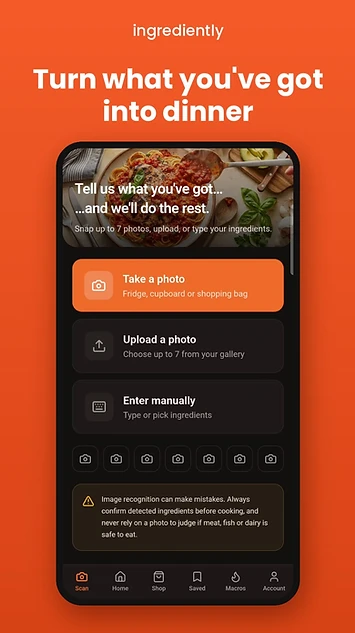
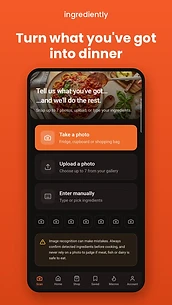
Ingrediently has a photo scan feature that recognises ingredients from a camera photo. The other apps in this comparison require you to type ingredients manually.
Which app works best in the UK?
Ingrediently is built for the UK with UK ingredients, measurements, supermarket prices, and GBP pricing. The other apps are US-focused with limited UK support.
Try Ingrediently free
7 days free, then £4.99/month. Cancel any time.
Also on Google Play